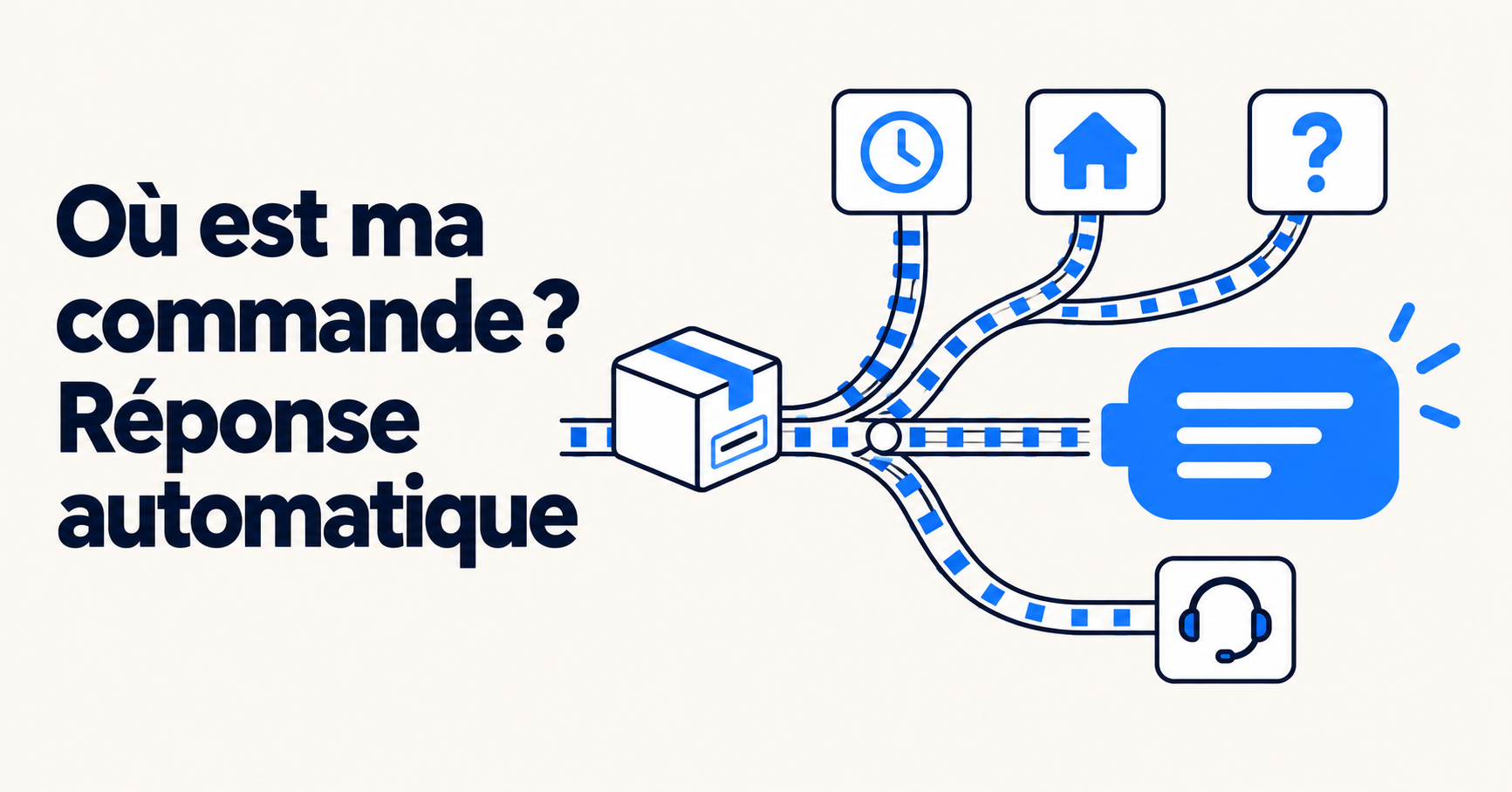
To automate the question “Where is my order?”, connect your AI to the order and carrier tracking systems, then define for each situation (in transit, delayed, delivered but not received, not yet shipped, etc.) what it should check, what it should respond, and when it should hand the matter over to an agent. Most of these inquiries are then resolved without human intervention, and your agents only handle cases that require a decision: lost packages, disputes, or goodwill gestures.
This guide is a practical supplement to our article on order tracking automation (WISMO), which outlines the key strategies and tools. Here, we’ll dive into the details at the ticket level: eight real-world scenarios, along with the logic you should program into your AI for each one.
A good response depends on four pieces of information. Without them, the AI can only redirect the customer to the tracking page—which the customer has often already visited.
The first three come from your tools (online store, ERP, shipping carrier). The fourth one is up to you to write. It’s what makes the difference between an AI that gives accurate answers and one that makes empty promises.
Connect to the source that has the most up-to-date information. This point seems obvious, but it holds up a lot of projects. An e-commerce manager put it this way during a demo:
"When we make a change to an order in our ERP system, it doesn't get updated in the store. How can the bot take that into account?"
If your ERP updates the online store (Shopify, Magento, PrestaShop) with a one-day delay, the AI connected to the store will respond with outdated information. Before running the automation, check the following:
If the information exists only in the ERP system, it must be made available to the AI, for example via an API. Otherwise, it is best to exclude these cases from automation.
Here are the eight most common scenarios, along with an example of a customer message and the expected behavior.
"Hello, I placed an order three days ago. When will I receive my package?"
The AI retrieves the order, reads the latest carrier update, and responds with the status, expected delivery date, and tracking link. No agent is needed. This is the most common scenario, and the one that clogs up the queues the most.
"My order is still being processed—is that normal?"
The AI compares the order date to your fulfillment time. If the order is on schedule: it reassures the customer and provides the expected shipping date. If the order is past the deadline or on hold (pending payment, out of stock): it notifies the customer that an agent is looking into it and forwards the ticket along with the context.
"The delivery was scheduled for yesterday, but I haven't received anything."
The AI checks the discrepancy with the announced date. If there’s a slight delay but the tracking information is updating, it apologizes, provides the new estimate, and shares the link. If the delay exceeds your threshold, or if the tracking has been stuck for several days, it hands the matter over. Set this threshold in writing, with the carrier if necessary.
"The tracking information says it was delivered, but I haven't received anything."
AI can handle the initial steps: checking the mailbox, the doorman, the neighbors, and the designated pickup location. It must then hand the matter over to a representative, since the next steps—investigating the carrier, reshipping, or issuing a refund—involve the brand. The customer needs to know that a human will take over and within what timeframe.
"I didn't receive a code to pick up my package."
The AI provides the pickup location address, the hours of operation (if provided by the carrier), the pickup deadline, and the documents required for pickup. If the pickup deadline is missed and the package is returned, it forwards the information to an agent.
"I received my package, but one item is missing."
Before concluding that an item was omitted, the AI checks whether the order was shipped in multiple shipments. If so, it specifies which item is included in which package, along with each tracking number. Otherwise, it’s a complaint: agent.
"I entered the wrong address. Can you change it?"
If the order has not yet been shipped and your tools allow it, the address can be corrected—either by the AI or by an agent—depending on your policies. If the package has already been shipped, the AI explains the carrier’s options (redirection, pickup location) and notifies you if manual action is required.
"My package arrived open, and the product is broken."
The AI immediately requests the necessary information: photos of the package, the packaging, and the product, as well as the order number. Then it hands things off. A customer service manager described this process to us in the context of furniture delivered in damaged condition: “The initial response could be automated, because people always say pretty much the same thing: ‘Please provide us with photos of the boxes and packaging.’ After that, a human needs to take over.” The agent receives a complete case file and can make a decision right away.
The table below summarizes the logic. Adjust the thresholds to fit your deadlines and carriers.
| Location | What the AI Checks | What she says | Assignment to an agent |
|---|---|---|---|
| In transit, on schedule | Latest event, scheduled date | Status, Date, Tracking Link | No |
| Not shipped yet | Order Date, Processing Time | Estimated Shipping Date | If the deadline has passed or the order is on hold |
| Late | Difference from the announced date | Apologies, revised estimate | Beyond your threshold or fixed monitoring |
| Delivered but not received | Proof of delivery, address | First Steps | Yes, always |
| At a pickup location | Address, deadline for pickup | Pickup Information | If the package is shipped again |
| Shipping in multiple packages | Number of packages, contents of each | Details by Package and Tracking Information | If an item is really missing |
| Change of Address | Shipping Status | Correction or carrier options | If manual action is required |
| Lost or Damaged | Order, Status | Request for Photos and Information | Yes, with the complete file |
Add two rules that apply in all situations: a dissatisfied customer or one who contacts us for the third time is routed to an agent, and the AI never promises a goodwill gesture that it is not authorized to grant. Our guide on escalating issues to support details how to write these rules.
An email address entered in a chat does not prove a person's identity. If the AI displays the contents of an order and the shipping address based solely on an email address that was entered, anyone can view another customer's orders.
Best practices :
Ask your service provider about this and request a demonstration. Our Security and GDPR page explains our approach in detail.
Yes, and it’s often more effective than even the best response. When a delay is known (supplier shortage, strike, carrier capacity issues), reach out to the affected customers before they contact customer service: provide a new date and possible options (wait, exchange, cancel). This helps you avoid a flood of identical support tickets.
This type of proactive message requires a reliable source (ERP, warehouse, or carrier) and a clear policy regarding what you’re offering. It’s particularly useful during peak periods: see our guide on how to handle sales and Black Friday spikes.
If your store runs on Shopify, our article on AI for customer service in a Shopify store details some useful integrations.
At Klark, AI works directly within your help desk (Zendesk, Gorgias, Salesforce, Freshdesk, Intercom) and connects to your online store to retrieve order information and tracking details. On average, our customers automate 43% of their tickets, and order tracking requests are often the first to be automated.
No. Lost packages, packages that were delivered but not received, or damaged packages require human intervention. AI, however, can handle standard tracking requests on its own and prepare the case file for other situations.
Not necessarily. If the tracking number and carrier updates are synced back to your store, the AI can use that information. A post-purchase tracking tool is still useful for sending notifications and reducing the number of inquiries beforehand.
The AI can find the order using the sender's email address, if it matches the one on the order. In the chat, it asks for the order number to verify the identity before responding.
Verify that each package in the order has its own tracking number. The AI can then display the status of each shipment and prevent false claims of missing items.
Yes. Follow-up requests often come in via email or the contact form. The same process applies: the AI reads the request, locates the order, and responds in your helpdesk.
Want to see how Klark handles order tracking requests on your own tickets? Request a demo.