AI for customer service is everywhere. In demos. In sales presentations. In product roadmaps.
The problem is that the term covers a wide range of very different scenarios. Some solutions generate draft responses for agents. Others automate part of the response process. Still others promise an “AI agent” capable of handling everything on its own.
From a distance, all of this may seem the same. In practice, it’s not.
The real issue isn’t about adding AI to your customer service. The real issue is figuring out where it truly helps, how it integrates into your environment, and what safeguards are in place to prevent it from undermining the customer experience.
If you're in charge of support, customer experience, or operations, this is where the difference lies between an impressive demo and a practical implementation.
In this guide, we’ll explore what a customer service AI solution should really offer, what to look for before making a purchase, and why the best results rarely come from the boldest promises.
The term Customer Service has become an umbrella term. It is used to refer to a wide variety of things:
The key point is simple. A good solution isn't necessarily the be-all and end-all. Above all, it needs to effectively address what matters most to your team.
In many customer service departments, the real benefit doesn’t come from complete autonomy. It comes from a better overall environment, more consistent responses, faster handling of repetitive tasks, and a more streamlined escalation process for complex cases.
That is why we need to stop asking the question in those terms: Does this solution use AI?
The real question is rather: At what point in the support workflow does this AI provide measurable value?
To clarify this difference, you can also revisit our article on AI agents and AI co-pilots. Not all “customer service AI” solutions have the same level of autonomy or the same level of risk.
A serious solution should improve the team's day-to-day work before promising a revolution.
First step: helping agents respond faster. When a tool captures the right context, properly reformulates a response, and saves agents from having to rebuild each ticket from scratch, the benefits are immediate.
Second lever: ensuring consistent quality. A support team doesn’t just aim to work quickly. It also strives to avoid incomplete, inappropriate, or non-compliant responses. This is where a well-trained co-pilot comes in handy.
Third lever: automate repetitive tasks, but only when there is sufficient confidence. A good solution doesn't push automation everywhere. It also knows when not to automate.
Fourth lever: improve routing and escalation. If the AI cannot resolve a case, it should at least help prioritize it, provide additional context, and route it to the right place.
Fifth lever: preserving existing tools. A customer service team doesn’t want to rebuild its organization around a new interface. It wants AI to integrate with the tools it already uses.
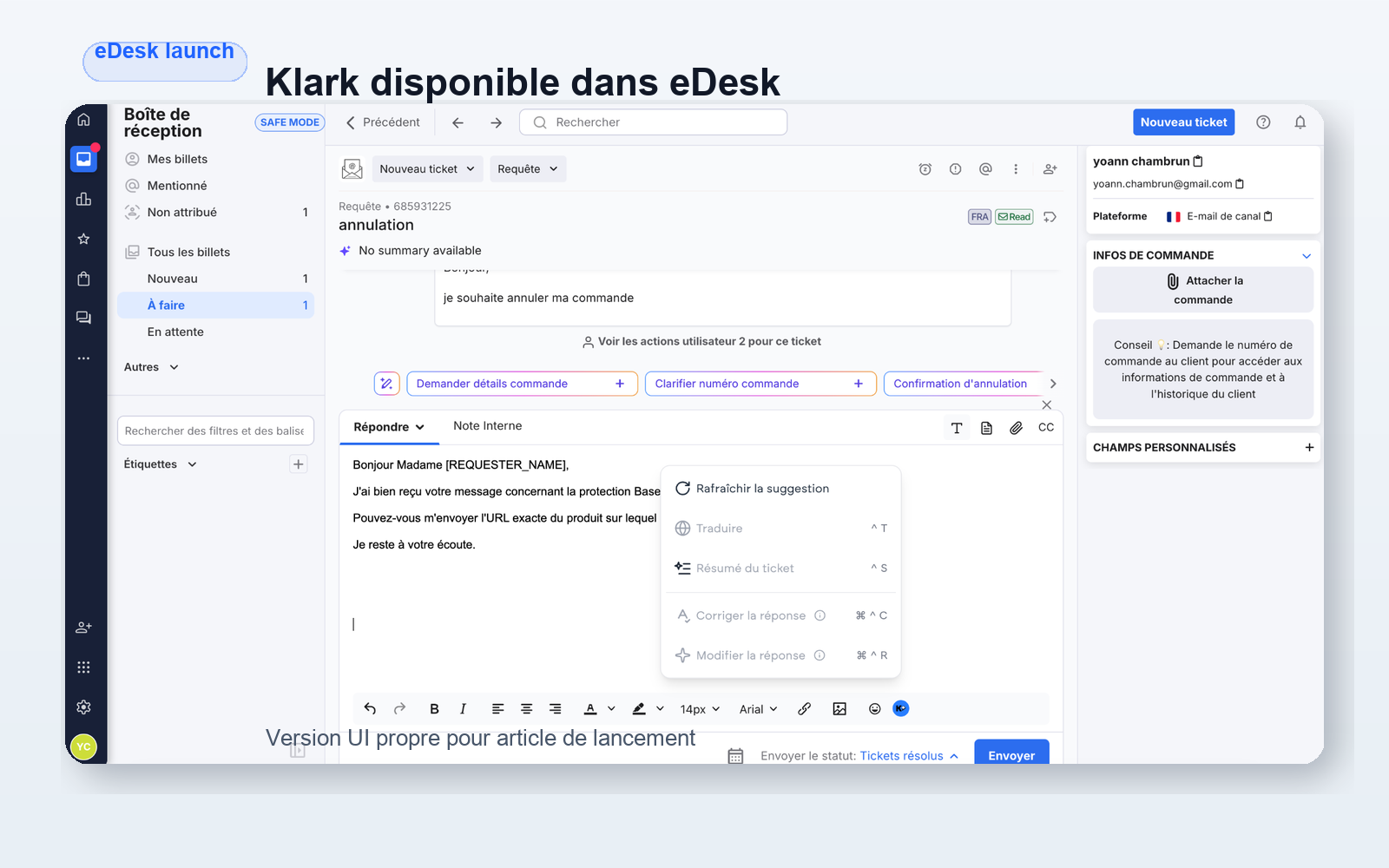
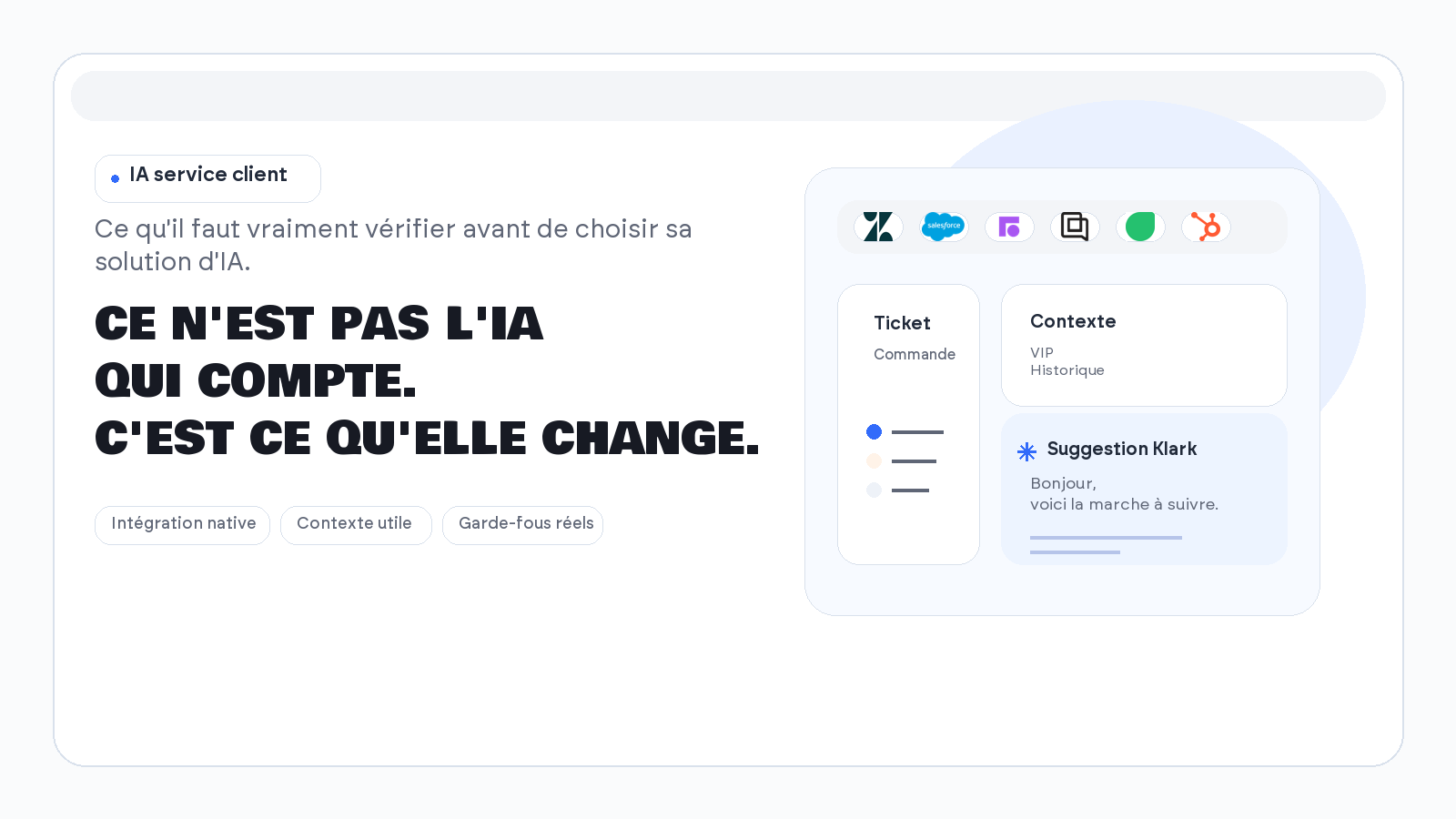
At Klark, this approach involves integrations with Zendesk, Salesforce, Freshdesk, Gorgias, and Front, as well as an architecture in which Copilot remains the central engine and automation is triggered only when the context allows it.
If the solution requires you to switch away from your current tools, the cost of the transition will be higher than expected.
The minimum requirements are clear:
A solution that exists alongside Zendesk, Salesforce, or Front often ends up remaining in demo mode. A solution that integrates into the actual workflow is more likely to be adopted.
Customer service AI that lacks context produces responses that appear polished but lack substance.
We need to see if the solution can take advantage of:
This is the key point. At Klark, projects involving internal Zendesk and Salesforce notes or customization through custom fields clearly demonstrate that value doesn’t come solely from the model itself. It comes from the quality of the context we provide for it.
If you want to see how far this goes when AI starts consulting sources and taking action, our article on Agentic RAG for customer service provides a good point of comparison.
Many tools market automation as a one-size-fits-all solution. In production, it rarely works that way.
You should be able to choose:
This factor is often overlooked at the time of purchase. Yet it is this factor that determines whether the AI will improve operations or cause problems.
A credible solution must include oversight mechanisms, not just a flashy demo.
The right questions to ask are simple:
Internal efforts focused on QA checks enabled by default or on specific escalation rules tailored to individual clients are exactly in line with this approach. In customer service, the real issue isn’t just the model’s performance; it’s the governance of its use.
A solution can be very impressive, yet too cumbersome to implement.
If every new scope requires a complex integration project, it will take too long for the benefits to materialize. Conversely, a tool that can be deployed quickly allows you to test a scope, adjust the rules, and then expand gradually.
"Time to value" matters more than people realize in this category.
Finally, we need to be able to understand what AI is actually doing.
Which tickets were handled by agents? Which ones were automated? Which rules triggered an escalation? In what ways does the tool actually help agents?
Without this clarity, you aren't steering a solution. You're just going along with it.
The first mistake is to confuse theory with real-world application.
A well-scripted demo often shows a clean-cut case, an ideal scenario, and a successful resolution on the first try. The reality of customer service is much messier. Messages are ambiguous. Data is incomplete. Priorities conflict. Exceptions are common.
The second mistake is to purchase a “chatbot” thinking you’re buying a complete customer service system. If the tool can’t assist agents, understand the context, or properly handle escalations, it will only address a small part of the need—not the core of the operation.
The third mistake is trying to automate too much too soon. A robust solution should allow for a gradual rollout. Start with assistance, establish guidelines, review cases, and then implement automation where it makes sense.
The fourth mistake is to overlook the agent experience. A customer service AI that slows down the interface, clutters the feed, or displays unreliable suggestions will quickly be ignored.
The fifth mistake is to judge the tool based on its marketing jargon. Just because a solution refers to an “AI agent” doesn’t mean it handles your customer service better than a well-integrated co-pilot.
To explore this distinction further, our article on agent-based AI in customer service clearly demonstrates that autonomy is only valuable if it remains manageable.
A successful deployment rarely starts with a promise of “full automation.”
It usually starts with a clear scope:
Next, we configure the context sources, escalation conditions, exceptions, and then quality controls.
This point is very important. In practice, the most effective teams don’t focus first on maximizing the volume of automation. Instead, they focus on ensuring reliability in the cases where AI is truly useful.
This logic explains why certain mechanisms such as No_Klark_Automation or customer-specific rules are invaluable. They allow you to maintain control in situations where automation would be counterproductive, without sacrificing the speed gains it delivers in workflows where it adds real value.
The best indicator of a serious deployment is therefore not “how much the AI can do.” It is “under what conditions it can help without disrupting operations.”
For a more use-case-oriented read, you can also check out these examples of generative AI for customer service, which complement a more BOFU-focused discussion like this one.
Klark doesn't treat AI customer service as a mere gimmick.
The platform is already used by more than 70 brands and 2 000+ agents. It helps save +50% to boost productivity and automate up to 43% tickets in the right areas. Most importantly, it combines the components that really matter in production:
This approach is important. Klark isn't trying to abruptly replace customer service teams. The platform first helps agents provide better responses, then automates tasks where reliability and control allow.
If you're comparing several solutions, this is probably the key point to keep in mind. The best tool isn't the one that promises the most. It's the one that fits best into your operational reality.
You can also supplement this reading with our article on chatbots, which helps distinguish between superficial uses and those that are truly useful for a support team.
Choosing an AI customer service solution isn't just about checking a box for innovation.
We need to assess integration, context, safeguards, scalability, quality, and deployment speed. In other words, we need to view the solution as an operational tool, not as a gimmick for public relations.
When this foundation is solid, AI can truly enhance customer service. When it isn't, even the best demo eventually falls flat.
About Klark
Klark is a generative AI platform that helps customer service agents respond faster and more accurately, without changing their tools or workflows. Klark can be deployed in just a few minutes and is already used by more than 70 brands and 2,000 agents.