
Choosing an AI-powered e-commerce customer service tool: requirements document and scoring grid

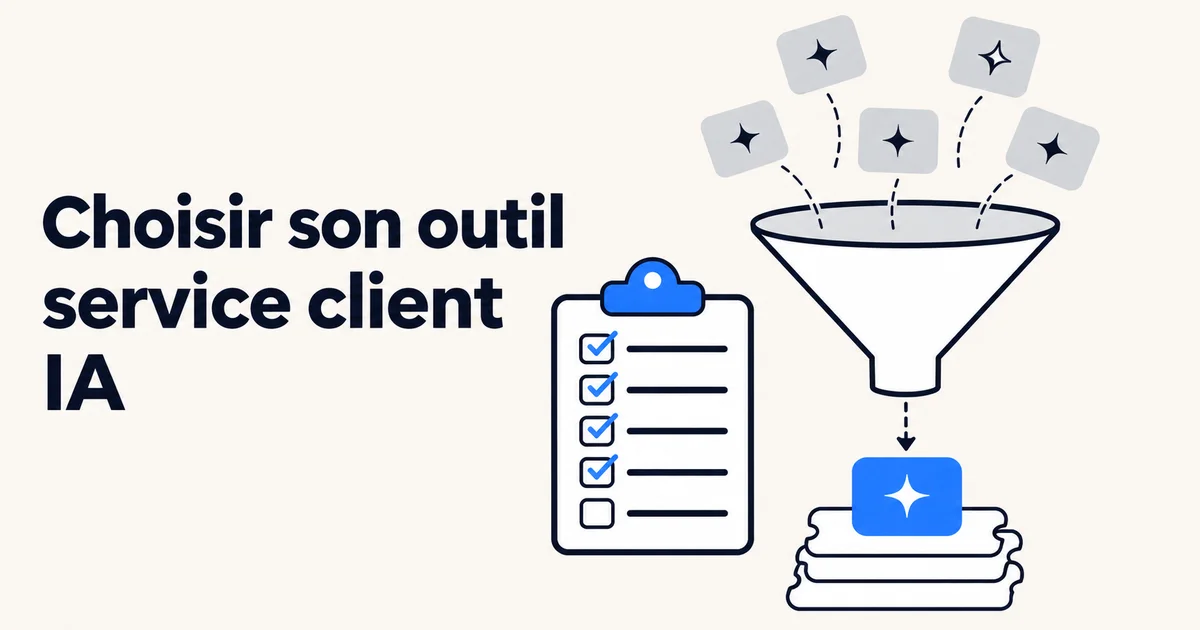
To choose an AI-powered e-commerce customer service tool, write a short requirements document based on your real tickets, set 4 to 6 deal-breaker criteria, then score the remaining solutions on a weighted grid. The criterion that carries the most weight is a test on your own tickets, with the same dataset for each vendor.
This guide gives you the requirements document template, the questions to ask vendors, a ready-to-copy scoring grid and what we hear in pre-sales at Klark.
Key takeaways
A good requirements document fits in a few pages: your volumes, your contact reasons, your tools (helpdesk, Shopify or another CMS, carrier, returns tool) and what the AI is allowed to do. Deal-breaker criteria are checked before any scoring: integration with your helpdesk, access to order data, GDPR, transparency about the AI and exit terms. The final score rests first on a test on 100 to 200 recent resolved tickets, then on the total cost over 12 months and the configuration workload for your team. A demo alone isn't enough to decide.
What is a requirements document for a customer service AI?
It's a document that describes your needs and how you will compare vendors. It keeps you from choosing based on the best demo. In e-commerce, it should cover orders, deliveries, returns and refunds, not just “frequently asked questions”.
The templates published by vendors point in the same direction. eesel's template, published on October 30, 2026, proposes 10 sections and reserves 25% of the score for the test on your own tickets. Alhena's, published on October 29, 2026, adds deal-breaker conditions that a good score can't make up for. Both templates mainly target English-speaking teams; the version below is designed for a French online store.
What should go into the requirements document for an e-commerce customer service tool?
Stick to 7 sections. Each one takes half a page to fill in.
- Context: number of tickets per month, peaks (sales, Black Friday, Christmas), channels (email, form, chat, messaging apps), languages.
- Contact reasons: the 10 most frequent contact reasons with their share. For example “Where is my order?”, return request, address change, damaged product, sizing question.
- Tools to connect: helpdesk, e-commerce platform, carriers, returns tool, subscription tool, knowledge base.
- AI scope: what it suggests to the agent, what it sends on its own, what it never touches (disputes, legal requests, VIP customers).
- Expected actions: read an order status, generate a return label, cancel before shipping, refund. For each one, specify whether it's essential from day one.
- Data and compliance: hosting, subprocessors, data reuse, informing the end customer.
- Test and decision method: set of tickets, metrics, decision date, person who makes the call.
Which criteria should be deal-breakers?
A deal-breaker criterion is checked with a yes or a no. If the answer is no, the tool is off the list, however good its demo.
- Integration with your current helpdesk with no migration, if you don't want to switch tools in the middle of the season.
- Read access to orders (status, carrier, tracking number, items), without which the AI can't handle the main contact reasons.
- GDPR: data processing agreement, list of subprocessors, hosting location, written commitment on the reuse of your data.
- Transparency toward your customers: the EU AI Act requires informing people that they are interacting with an AI (Article 50). Check how the tool displays this.
- Control by contact reason and by channel: being able to turn off automatic sending for one contact reason without turning off everything else.
- Exit: export of your content and history, notice period.
Channel-level control comes up often in our meetings. One customer service manager put it this way: “On some channels, like email, systematic interaction by the AI depending on the type of request bothers me a bit.” This setting should be there from the start.
What questions should you ask vendors?
Ask everyone the same questions, in writing. Request proof for each answer: a screenshot, a documentation page or a test.
- On which contact reasons does the AI reply on its own, and how do you decide a reply can go out without review?
- Which order actions are available from day one, and which require development work?
- Who writes the scenarios: your team, mine, or the AI based on my history?
- How long does it take my team to change a returns rule, and without your help?
- When does the AI hand off to a human, and with what summary?
- How do you bill: per seat, per conversation, per resolution, per ticket? What counts as a resolution?
- How does the tool learn from my agents' corrections?
- Can you show me the tool connected to my data before signing?
The question about scenarios is often underestimated. At a decision meeting in late October, the head of an online store summed it up: “Beyond the time, it takes expertise, mapping the workflow properly, not forgetting anything.” Some tools ask you to design every flow. Others start from your past replies. The difference is measured in weeks of work for your team.
How do you build a weighted scoring grid?
Score each criterion from 1 to 5, multiply by the weight, add it up. Features announced as “on the roadmap” earn no points. Here is a starting grid for an online store handling between 1,000 and 20,000 tickets per month. Adjust the weights to your situation.
| Criterion | Weight | What you check |
|---|---|---|
| Test on your own tickets | 25% | Share of replies that can be sent as is, factual errors, brand voice |
| Order data and actions | 15% | Reading status and tracking, actions available at launch |
| Helpdesk integration | 15% | Works in your agents' tool, with no double entry |
| Total cost over 12 months | 15% | License, billing unit, overages, setup fees |
| Control and handoff to a human | 10% | Settings by contact reason and channel, quality of the summary passed on |
| Setup and autonomy | 10% | Real lead time, your team's time, changes without the vendor |
| Languages | 5% | Quality in each of your customers' languages |
| Vendor and references | 5% | Comparable customers in production, support in French |
For cost, bring all offers down to the same unit. Pricing models vary: eesel notes, for example, that Zendesk bills per automated resolution and that Salesforce Agentforce offers per-conversation billing (as of October 30, 2026). One prospect told us he no longer knew whether he was paying a flat fee or “a cost per click” for his helpdesk's AI. Run the numbers on your real volume, year-end peak included.
How do you test an AI on your own tickets?
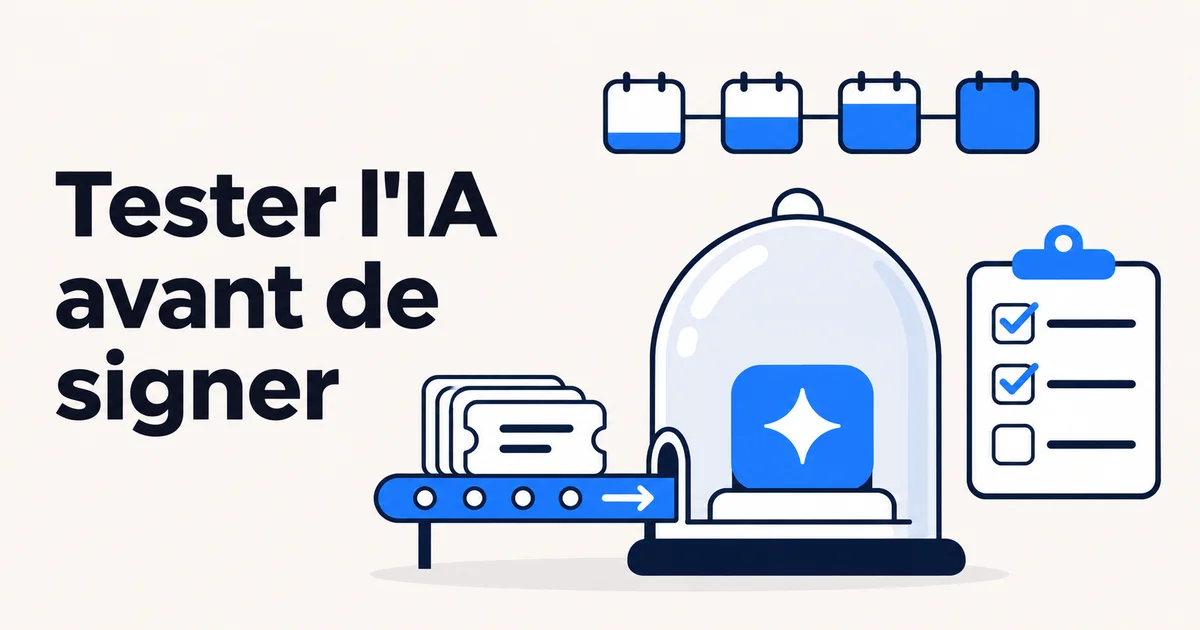
Export 100 to 200 resolved tickets from the last 90 days, plus 10 to 20 difficult cases: unhappy customer, lost package, request outside the returns policy. Give each vendor the same set of tickets and the same knowledge base. Compare each reply with the one your team actually sent.
Track several metrics rather than just one: share that can be sent without changes, factual errors, handoffs to a human, response time. Also test how the AI stops. One e-commerce manager explained that he wanted to see “how far they're willing to go, and at what point they'll pass the ticket on to a human”.
Our advice, as James Rebours puts it to brands in the selection phase: test at least two solutions, make a rational choice, and don't decide on pre-sales alone. To go further on the gap between demo and real use, read our article on demo vs production in support automation.
Which types of tools should you compare?
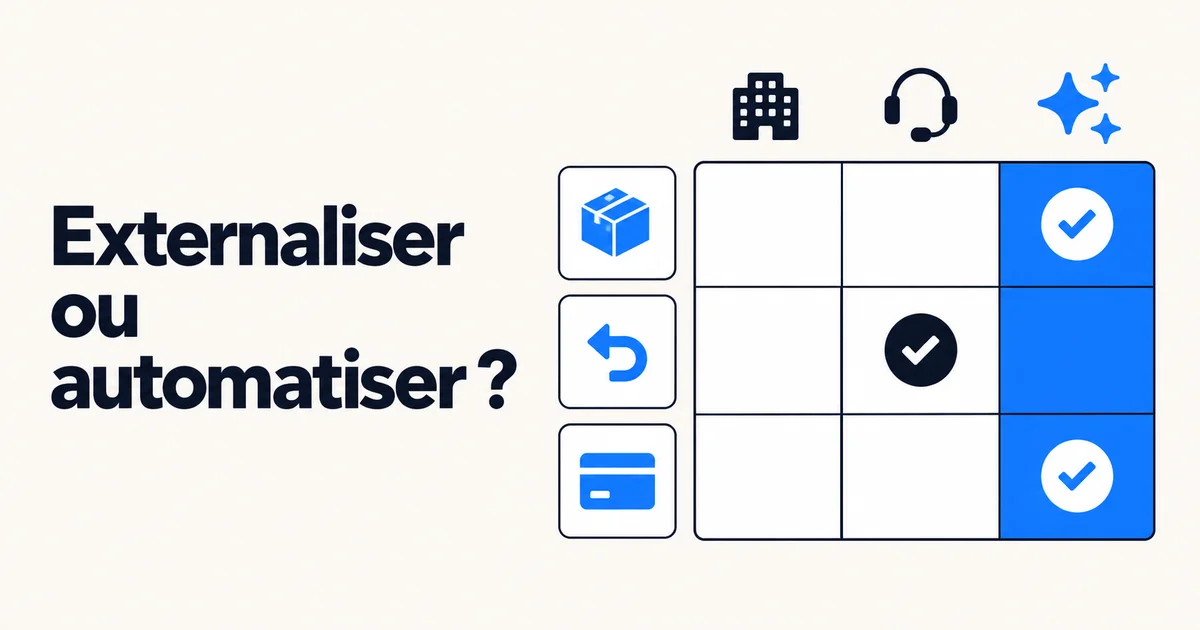
Four types of tools come up in RFPs. None is right for everyone.
| Type | Who it's for | Limits to check |
|---|---|---|
| AI built into the helpdesk | Teams that want a single vendor and have time to configure scenarios | Usage-based billing to project onto peaks, scenarios you often have to write yourself |
| Specialized AI connected to the helpdesk (Klark, for example) | Brands that keep their helpdesk and want an AI that learns from their past replies | One more vendor; some order actions are configured case by case depending on your tools |
| General-purpose chatbot | Pre-purchase questions and FAQs on the website | Little or no access to helpdesk emails and tickets |
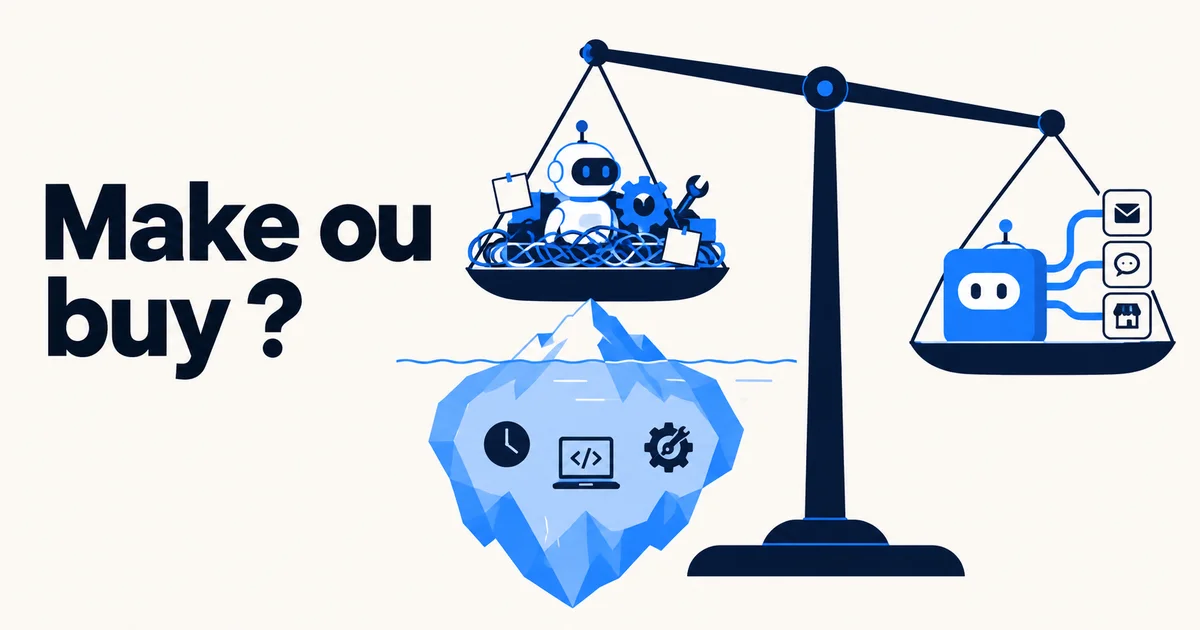
| In-house development | Teams with available developers and a very specific need | Maintenance, security and model updates are on you |
For an overview of the solutions on the market, see our comparison of e-commerce customer service AI software. For the basics, our guide to AI and customer service explains how these tools work.
What pitfalls do we see in pre-sales?
Three situations keep coming up in our meetings with e-commerce brands.
- Comparing offers that don't have the same scope. One offer includes the helpdesk, another the chatbot, a third only agent assistance. Put them on the same grid before comparing prices.
- Forgetting configuration time. The license price says nothing about the weeks spent writing scenarios. Ask for a written estimate of your team's time.
- Choosing in the middle of the season. One manager told us: “The season has already started, so making a really big change to how we handle tickets isn't easy. Adding a tool that could help us, though, is a bit different.” A tool that plugs into your existing setup is easier to test before peaks.
How much time should you plan for choosing?
Allow 4 to 8 weeks between sending the requirements document and the decision. One week to write the document and prepare the set of tickets, one to two weeks of written answers, two to four weeks of testing, then the decision. Set the decision date and the person who makes the call from the start.
FAQ
Do you need a formal RFP for an online store?
No. For a team of a few agents, a 3 to 5 page requirements document and a shared grid are enough. What matters is asking each vendor the same questions and testing on the same tickets.
How many solutions should you compare?
Two or three. Beyond that, the test becomes too heavy for your team. Do a first pass on the deal-breaker criteria, then test the two or three that remain.
What is the most important criterion?
The result of the test on your own tickets. It's the only criterion that measures what the tool will do for you. Demos often use cases prepared in advance.
Is my helpdesk's built-in AI enough?
Sometimes. It works if you have time to configure scenarios and if its billing stays easy to read at your volume. Put it in the grid like the other solutions and test it on the same set of tickets.
Which legal obligations should you check?
GDPR (data processing agreement, hosting, subprocessors, data reuse) and the obligation to inform your customers that they are interacting with an AI, set out in the EU AI Act. Our article on the EU AI Act and customer service covers this point in detail.
Want to see Klark on your own tickets before filling in your grid? Request a demo.