Does your IT team spend its time putting out fires without ever getting the big picture? 🔥
Welcome to the world of the service desk-thestrategic evolution of the simple help desk, designed to transform your reactive IT support into a proactive service, aligned with business objectives.
In this comprehensive guide, we'll explore what a service desk is, how it differs from a help desk and ITSM, its essential features, the best 2025 software, how to deploy one effectively, and best practices for maximizing the value of your service desk.
Whether you're thinking of moving from a help desk to a service desk, or looking to optimize your existing service desk, this guide will give you all the keys. Let's dive in! 🚀
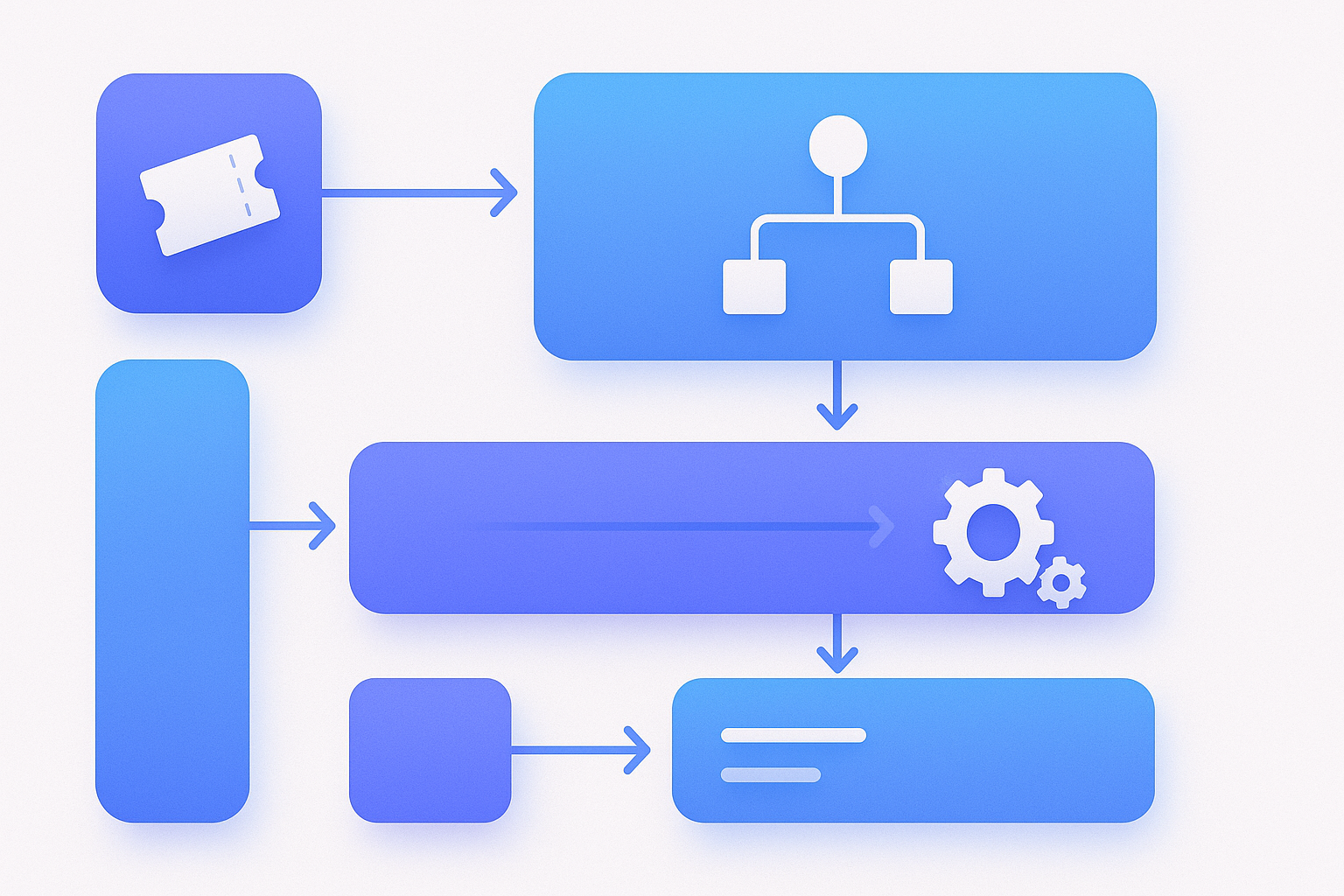
According to ITIL 4 (the IT service management standard), a service desk is "the single point of contact between the service provider and users".
Full definition:
An IT service desk is a centralized hub designed to efficiently manage IT-related incidents, service requests, and communications between IT teams and end-users. Acting as a single point of contact, it ensures smooth IT support, service delivery and rapid problem resolution.
In other words: the service desk is much more than just a "help desk that fixes bugs". It's a strategic function that manages the entire IT service lifecycle: incidents, requests, changes, problems and knowledge.
These three terms are often confused. Let's clarify them once and for all.
Definition: centralized resource that provides IT assistance and support to end-users, typically related to technical problems or queries.
Focus: Immediate incident resolution ("break/fix" approach)
Approach: Reactive (waiting for problems to happen)
Scope: Narrow (technical support only)
Example: "My password doesn't work", "My computer won't start".
Definition: Single point of contact according to ITIL 4, managing incidents + service requests + changes + problems + knowledge.
Focus: IT service management aligned with business needs
Approach: Proactive (monitor, anticipate, prevent)
Scope: Broad (support + service requests + knowledge management + continuous improvement)
Example: "My password doesn't work" + "I'd like access to Salesforce" + "Analysis of incident patterns to prevent future problems".
Definition: ITSM encompasses all activities related to the delivery of IT services to the organization, including the planning and design of new services.
Focus: Comprehensive strategic framework for all IT services
Approach: Strategic (business-IT alignment)
Scope: very broad (all IT: planning, design, delivery, support, improvement)
Example: Comprehensive IT strategy, service portfolio management, IT governance
One sentence summary:
Typical evolution: Help Desk → Service Desk → full ITSM
Identify, record, prioritize and quickly resolve IT incidents to minimize the impact on business operations.
Key features :
Structured processing of user requests (software access, new hardware, training, etc.).
Examples of service requests :
Difference from incidents: Service requests are standard, predictable, often automatable requests. Incidents are unplanned interruptions.
Identification and resolution of root causes of recurring incidents.
Objective: Prevent future incidents rather than simply resolving them.
Example: If 50 users call to say "WiFi not working", that's 50 incidents. But there's 1 problem: the faulty router. Problem Management identifies and solves this root problem.
Structured process for evaluating, approving and deploying IT changes while minimizing risk.
Types of changes :
Centralized solutions, guides, FAQs and technical documentation.
Advantages :
Definition and monitoring of service level commitments.
Typical metrics :
The service desk automatically monitors SLAs and alerts you if there is a risk of breach.
Interface where users can :
Impact: 30-50% reduction in ticket volume thanks to self-service.
Automation of repetitive tasks.
Examples:
Manage all contact channels from a single platform.
Supported channels :
Dashboards and reports to measure and optimize performance.
Key KPIs :
Monitoring of all IT assets (hardware, software, licenses).
Link with service desk: When a user calls with a laptop problem, the technician immediately sees: model, purchase date, warranty, repair history, installed software.
Highlights :
Weaknesses :
Price: From €19/agent/month
Ideal for : SMEs and scale-ups looking for a modern, affordable service desk.
Highlights :
Weaknesses :
Price: On quotation (typically €100+/agent/month)
Ideal for: Large companies and organizations with complex ITSM needs.
Highlights :
Weaknesses :
Price: From €21/agent/month
Ideal for : IT teams already using Jira for dev.
Highlights :
Weaknesses :
Price: From €55/agent/month
Ideal for: Companies that want to unify external customer support and internal IT.
Find out how to boost Zendesk with an AI chatbot.
Highlights :
Weaknesses :
Price: From €10/agent/month
Ideal for : SMEs on a tight budget looking for pure ITIL.
Highlights :
Price: From $39/agent/month
Ideal for : SMEs looking for a complete turnkey solution.
Highlights :
Ideal for: European organizations with strict ITIL requirements.
Questions to ask :
Examples of objectives:
Based on :
Don't deploy everything at once. Start with :
Audiences to be trained :
Test with a small group (10-20% of users) for 2-4 weeks.
Objectives :
Rollout to 100% of users with :
The service desk is never "finished". Optimize continuously:
Formula: (Tickets resolved on first contact / Total tickets) × 100
Good score: 70-80%.
Formula: Total resolution time / Number of tickets
Objective: Continuously reduce it
Formula: (Tickets resolved within SLA / Total tickets) × 100
95%+ target
Formula: (Tickets resolved via self-service / Total tickets) × 100
Target: 30-50%.
CSAT measured after each ticket resolution.
Target: 85%+.
To find out more, see: How to measure customer satisfaction.
Formula: Total service desk costs / Number of tickets
Objective: Reduce it through automation
Formula: (Tickets reopened / Total tickets closed) × 100
Objectif : < 5%
The service desk must be the single point of entry for ALL IT requests. No direct emails to technicians, no Slack DM. Everything goes through the service desk.
A well-maintained KB reduces ticket volume by 30-50%. Invest time in :
Automate everything that can be automated:
But keep the human element in the loop for complex cases.
Share your KPIs widely:
IT evolves fast. Train your technicians regularly:
Collect user feedback after each ticket and act on it.
The service desk isn't just "IT support". It's a business enabler. Show how the service desk contributes to business objectives.
The big bang never works. Roll out gradually: Incidents → Service Requests → Knowledge → Problems → Changes.
Users are used to sending an email directly to the technician. Changing habits requires communication and training.
ITIL is a framework, not a religion. Adapt to your reality, don't follow every process if you don't need to.
A KB-less service desk is condemned to handling the same tickets over and over again.
Users want autonomy. Give them an efficient self-service portal.
AI is revolutionizing modern service desks.
Chatbots that automatically resolve simple requests :
Impact: 30-50% of tickets resolved automatically.
AI analyzes the ticket content and automatically categorizes/routes it to the right technician.
While the technician reads the ticket, the AI suggests relevant KB items.
The AI analyzes the patterns and predicts: "This server will probably go down within 48 hours based on the signals."
Automatic detection of frustrated users for priority escalation.
Klark example:
Although Klark is focused on external customer service, ourgenerative AI technology is applicable to IT service desks:
Typical processing time :
Measured benefits :
These results are achieved in the first year with a well-managed transition.
The service desk isn't just a help desk with a different name. It's a strategic function that transforms IT from a reactive cost center into a proactive business partner.
Key points to remember :
Want to discover how AI can transform your IT (or customer) service desk? Request a Klark demo and see how our generative AI technology can automate 30-50% of your tickets.
Because in 2025, a service desk without AI is like a service desk from the 2000s. 🚀
Klark is a generative AI platform that helps customer service agents respond faster and more accurately, without changing their tools or habits. Deployable in minutes, Klark is already used by over 50 brands and 2,000 agents.