Zendesk chatbot: methods, examples and best practices

François
Customer Service
- 8 min reading
Published on
January 12, 2026

Are you using Zendesk for your customer service and wondering how to integrate a high-performance AI chatbot? 🤔

You've come to the right place! In this comprehensive guide, we explain everything you need to know about Zendesk chatbots: the options available, how to integrate them, best practices for success, and above all how to avoid the pitfalls.

Whether you're considering Zendesk's native chatbot or a third-party solution like Klark, this guide will give you all the keys to making the right choice.
What is a Zendesk chatbot?

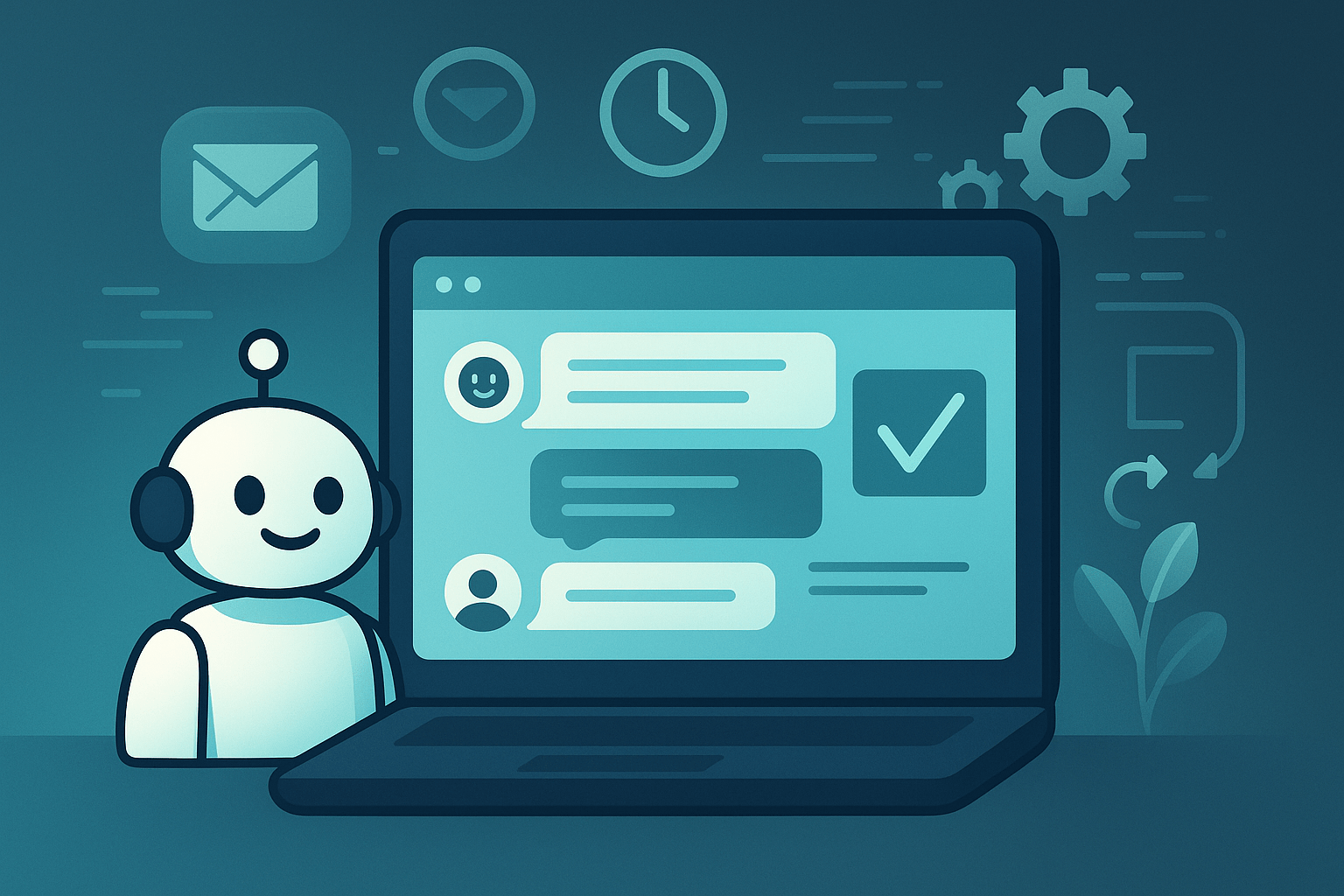
A Zendesk chatbot is an intelligent virtual agent that integrates with your Zendesk platform to automate interactions with your customers.

What it can do:

  • Answer frequently asked questions automatically
  • Guide customers to the right resources (Help Center articles)
  • Qualify requests before routing them to a human agent
  • Gather preliminary information
  • Manage simple tasks (password reset, order tracking)
  • Available 24/7 on your website, mobile app, or messaging service

Unlike old rules-based chatbots, modern AI chatbots truly understand natural language and learn from every interaction.

The different chatbot options for Zendesk

1. Zendesk's native AI chatbot

Zendesk offers its own AI chatbot solution integrated directly into the platform.

The benefits:

  • Native integration (zero technical configuration)
  • Automatically trained on your Zendesk Help Center
  • Familiar interface for Zendesk teams
  • Automatic detection of intent and sentiment

Limitations:

  • Learns only from Zendesk articles: cannot access your other knowledge bases (Google Docs, Confluence, Notion) without custom development
  • Fee per resolution: $1.50 to $2.00 per automated resolution over the included quota
  • Lack of advanced testing tools: difficult to simulate performance before deployment
  • Expensive plans: requires Suite Professional ($115/agent/month minimum)

2. Third-party chatbots integrated into Zendesk

Solutions like Klark integrate with Zendesk via API.

The benefits:

  • More flexibility and power
  • Access to your past conversations (not just articles)
  • Advanced AI models
  • Pricing often more advantageous
  • Ultra-fast deployment (just a few hours)

The downside:

  • Requires integration (but generally very simple)

At Klark, we connect to your Zendesk in just a few clicks, retrieve your past conversations to automatically build your knowledge base, and you're up and running in a matter of hours.

How to integrate a chatbot into Zendesk (steps)

Option A: Activate the native Zendesk chatbot

Step 1: Check that you have a Suite Professional or Enterprise plan

Step 2: Go to Admin Center > Channels > Messaging and social > Messaging

Step 3: Activate the bot in the settings

Step 4: Configure automatic replies based on your Help Center articles

Step 5: Test and adjust

Option B: Integrate a third-party chatbot like Klark

Step 1: Create an account on the chatbot platform (e.g. Klark)

Step 2: Connect your Zendesk account via API (just a few clicks)

Step 3: The solution automatically retrieves your data and builds your knowledge base

Step 4: Set preferences (tone, language, human-to-human escalation)

Step 5: Activate the chatbot on your channels (website widget, email, etc.)

Total time: 2 to 4 hours (vs. several days/weeks for a custom solution)

Best practices for a high-performance Zendesk chatbot

1. Build a solid knowledge base

Your chatbot is only as good as the data it's trained on.

What to do:

  • Create clear, well-structured articles in your Help Center
  • Regular updates (products, processes, FAQ)
  • Use your past conversations as a source of data (they're a gold mine!)

At Klark, we automatically retrieve your Zendesk conversations to build your knowledge base. Zero effort on your part.

2. Clearly define when to climb to a human

The chatbot must recognize its limits.

Climb automatically when :

  • The customer explicitly asks to speak to a human
  • The request is too complex (negative sentiment detected)
  • The bot doesn't find a relevant answer after 2-3 exchanges
  • The case requires a human decision (refund, commercial gesture)

3. Customize the tone to suit your brand

A chatbot for a tech startup ≠ a chatbot for a bank.

  • Startup: relaxed tone, emojis, friendly language
  • Bank: formal, reassuring, professional tone
  • Luxury: elegant, refined, thoughtful tone

Make sure your chatbot reflects your brand identity.

4. Test before 100% deployment

Don't launch your chatbot blindly at all your customers.

The right approach:

  • Test internally with your team
  • Launch in beta on a small customer segment
  • Analyze results (resolution rate, satisfaction)
  • Adjust and optimize
  • Deploy gradually at 100%.

5. Measure the right KPIs

How do you know if your chatbot is performing?

Key indicators :

  • Auto resolution rate: % of conversations resolved without human intervention
  • Chatbot satisfaction rate: bot-specific CSAT
  • Escalation rate: % of conversations transferred to a human
  • Average response time: must be near-instantaneous
  • Reduce your workload: how many tickets do your agents no longer have to process?

To find out more about these metrics, read our guide to measuring customer satisfaction.

6. Continuous training and improvement

A chatbot is not a "set and forget" project.

  • Analyze conversations where the bot failed
  • Add new articles/knowledge regularly
  • Refine answers based on customer feedback
  • Test new features

A good chatbot improves over time.

Examples of how to use a Zendesk chatbot

1. E-commerce support: order tracking

Customer: "Where's my order?"

Chatbot: Connects to your order system, retrieves the status, and replies, "Your order #12345 is in transit and will arrive tomorrow before 2pm. Would you like to track your package?"

Result: Instant resolution, zero human intervention.

2. SaaS support: technical issues

Customer: "I can't connect".

Chatbot: Asks diagnostic questions, guides the customer through the resolution steps, suggests a password reset if necessary.

Result: 70% of cases solved automatically.

3. Lead qualification (pre-sales)

Visitor: "What are your rates?"

Chatbot: Asks questions to understand needs, presents the right offer, and offers to book a demo with a salesperson.

Result: Qualified leads, more effective sales.

4. Customer onboarding

New customer: "How does it work?"

Chatbot: Step-by-step guide to features, video tutorials, answers to frequently asked questions for beginners.

Result: Better product adoption, less churn.

Zendesk chatbot vs. alternatives: comparison

CriteriaNative ZendeskKlark
Ease of integration⭐⭐⭐⭐⭐ (native)⭐⭐⭐⭐⭐ (simple PLC)
Data sourceZendesk articles onlyPast conversations + articles + external docs
AI modelsZendesk ownerGPT-4, Claude, Mistral (the best)
Deployment time1-2 days2-4 hours
PricingPer resolution ($1.50-$2/AR)To success (guaranteed ROI)
FlexibilityLimited to the Zendesk ecosystemMulti-CRM, multi-channel
SupportAccording to Zendesk planDedicated and responsive

Mistakes to avoid with a Zendesk chatbot

❌ Mistake n°1 : Throwing without forming the team

Your agents need to know how the chatbot works, when it intervenes, how to regain control.

❌ Mistake No. 2: Not planning an easy climb

A customer who wants to talk to a human MUST be able to do so easily. Otherwise, frustration is guaranteed.

❌ Mistake #3: Forgetting to update the knowledge base

New product? New process? Update immediately, otherwise your bot will give outdated information.

❌ Mistake #4: Not measuring any KPIs

How do you know if it's working if you're not measuring anything? At the very least, monitor the resolution rate and the CSAT bot.

❌ Mistake #5: Wanting to automate everything at once

Start with simple cases (FAQ, order tracking), then gradually expand.

Why choose Klark over the native Zendesk chatbot?

We're not going to lie: Zendesk's native chatbot is okay. But if you really want to transform your customer service, Klark goes one step further:

  • Ultra-fast deployment: 2-4 hours vs. several days
  • Learn from your real conversations: not just formatted articles
  • Best AI models: GPT, Claude, Mistral
  • Success-based pricing: you only pay if it really works
  • Multi-CRM: also works with Freshdesk, Salesforce, Gorgias, Front...
  • Guaranteed ROI: our customers see +50% productivity gains within the first few weeks

And the best part? We integrate with your existing Zendesk in just a few clicks. No migration, no upheaval.

Case in point: Click&Boat has been using Klark with Zendesk for 10 months. Results:

  • 43% of tickets processed with Klark
  • +50% productivity
  • Happier agents (less repetitive)

To find out more about intelligent support automation, read our guide on how to automate your customer service.

Conclusion: a Zendesk chatbot tailored to your needs

A well-configured Zendesk chatbot radically transforms your customer service: instant response time, 24/7 availability, agents freed up for complex cases.

Here's a recap of what you need to know:

  • Two options: native Zendesk chatbot or third-party solution such as Klark
  • Native is simple but limited (Zendesk articles only)
  • Third-party solutions offer greater power and flexibility
  • Best practices: solid knowledge base, clear escalation, personalization, progressive testing
  • Measure KPIs: resolution rate, CSAT, load reduction
  • Avoid the pitfalls: team training, continuous updating, don't automate everything at once

Want to see what an AI chatbot can do for your Zendesk? Request a Klark demo and see how we can transform your customer service in just a few hours.

Because at the end of the day, the best Zendesk chatbot is the one that saves your agents time AND delights your customers. 🚀

About Klark

Klark is a generative AI platform that helps customer service agents respond faster, more accurately, without changing their tools or habits. Deployable in minutes, Klark is already used by over 50 brands and 2,000 agents.

You might like

Klark blog thumbnail
- 5 MIN READING 

Customer service: why it's your best investment in 2026

Customer service is a strategic growth driver, not a cost center. Discover why and how to turn it into your competitive advantage.
Klark's author
Marketing Manager
Klark blog thumbnail
- 5 MIN READING 

How to choose your CRM integrator in 2026

How to choose the right CRM integrator? Selection criteria, questions to ask, warning signs, and tips for a successful integration project.
Klark's author
Chief of Staff
Klark blog thumbnail
- 5 MIN READING 

Customer management: strategies for retaining and growing your portfolio

Customer management is a strategic lever for building loyalty and developing your portfolio. Discover the pillars, tools, and best practices for optimizing it.
Klark's author
Marketing Manager
Klark blog thumbnail
- 5 MIN READING 

Contact Center: The Complete Guide for 2026

What is a modern contact center? Discover how it works, its essential KPIs, the role of AI, and the keys to optimizing it.
Klark's author
Co-founder and Co-CEO
Klark blog thumbnail
- 5 MIN READING 

Conversational agents: how AI is revolutionizing customer service

Conversational agents: chatbots, voicebots, generative AI... Discover how these technologies are transforming customer service and how to deploy them effectively.
Klark's author
Co-founder and CPO
Klark blog thumbnail
- 5 MIN READING 

Multilingual customer service: how to respond to tickets in a foreign language without speaking the language

Do your customers speak German, Spanish, Italian... and your team only French? Discover how to handle all your multilingual tickets without losing time or quality.
Klark's author
Chief of Staff