Are your agents juggling 5 applications to get a complete view of the customer? 😵
This is exactly the problem that a well-integrated call center CRM solves. Gone is the chaos, replaced by a unified 360° view of every customer, accessible at the click of a button.
In this ultra-complete guide, we'll explore what a call center CRM is, why it's essential in 2025, the essential features to look for, the best software on the market (with comparisons), how to choose the right solution for your needs, and best practices for successful integration.
Whether you're looking to equip a new call center or replace an obsolete solution, this guide will give you all the keys. Let's go! 🚀
What is a call center CRM?
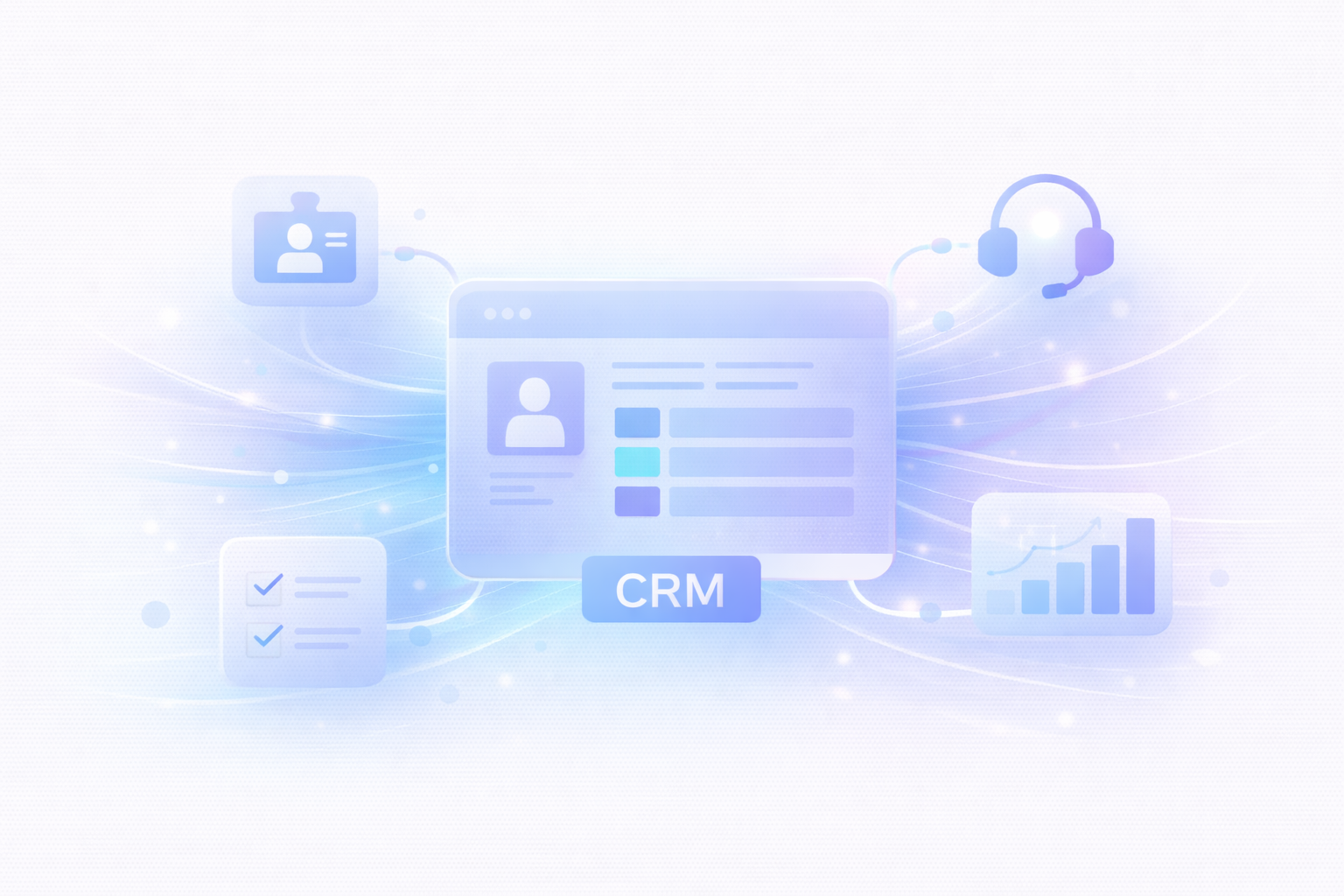
A CRM for call centers (Customer Relationship Management) is software that centralizes all customer information and makes it accessible to agents during their interactions by phone, email, chat or any other channel.
CRM for call centers: classic CRM + telephony integration + support functionalities (tickets, routing, call recording, analytics)
Main objective: Give your agents a complete view of the customer (purchase history, past interactions, preferences, open tickets) the moment they pick up the phone or answer a message.
Case in point:
A customer calls. Your telephony system identifies the number. The CRM automatically displays on the agent's screen :
Full name and contact details
History of the last 10 interactions
Current and past orders
Open support tickets
Communication preferences
Total customer lifetime value
The agent can then personalize his response and solve the problem 3x faster. Magic! ✨
Why a call center CRM is essential in 2025
The figures speak for themselves:
80%+ of call centers have integrated a CRM into their telephony system
Agents with integrated CRM resolve 23% more tickets per day
Resolution time reduced by 40% on average
Customer satisfaction (CSAT) increases by 15 to 30%.
Up-selling increases by 25% thanks to better customer knowledge
But beyond the stats, here's why it's critical:
1. Eliminate the hunt for information
Without an integrated CRM, your agents spend 30-40% of their time searching for information in different systems. With a CRM, it's all there, instantly.
2. Offer a personalized experience
Customers hate repeating themselves. A CRM enables your agents to pick up exactly where the last interaction left off.
3. Increase agent productivity
Less time wasted = more tickets solved = more efficient team.
4. Turning data into insights
A good call center CRM analyzes all interactions and gives you actionable insights: which products generate the most support? Which agents perform best? Where is the friction?
5. Facilitate omnichannel working
Customers contact us by phone, email, chat and social networks. A CRM unifies all these channels in a single view.
To find out more about omnichannel, read our guide to call center 2.0.
Excellent for teams looking for simplicity and efficiency
Weaknesses :
Limited advanced telephony features
Less suitable for very large call centers
Price: Free version available, paid plans from €45/month
Ideal for : Startups and SMEs looking for a simple, affordable solution.
4. Five9
Highlights :
Specialized call center (not a general CRM)
100+ report types
Native call recording
Integration with Salesforce, Zendesk, Oracle, Zoho
Complete omnichannel
Weaknesses :
Slightly dated interface
High prices
Requires integration with an external CRM
Ideal for : High-volume call centers looking for a specialized solution.
5. Bitrix24
Highlights :
Free for up to 12 agents (!)
CRM + integrated call center
Over 5 million users
Team collaboration (internal chat, tasks, projects)
Very good value for money
Weaknesses :
Busy and sometimes confusing interface
Uneven customer support
Some advanced features for a fee
Price: Free for up to 12 users, then from €49/month (unlimited)
Ideal for : Very small teams on a tight budget.
6. Freshdesk
Highlights :
Easy to use
Competitive prices
Solid ticketing system
Good multilingual support
Easy integration
Weaknesses :
Basic telephony features
Less advanced reporting than Zendesk
Price: Free version available, paid plans from €15/agent/month
Ideal for : SMEs looking for value for money.
Quick comparison chart
Solution
Starting price
Telephony integration
Complexity
Ideal for
Salesforce
75/agent/month
⭐⭐⭐⭐⭐
High
Large companies
Zendesk
55/agent/month
⭐⭐⭐⭐
Average
SMEs and scale-ups
HubSpot
Free / €45/month
⭐⭐⭐
Low
Startups and SMEs
Five9
On request
⭐⭐⭐⭐⭐
High
High-volume call centers
Bitrix24
Free / €49/month
⭐⭐⭐⭐
Average
Very small teams
Freshdesk
Free / €15/agent/month
⭐⭐⭐
Low
SMEs on a tight budget
How to choose the right CRM for your call center
Step 1: Define your needs
Questions to ask :
How many agents are we going to equip?
Which channels do we use (telephone only or omnichannel)?
Do we already have a telephony system (integration required)?
What is our budget (per agent/month)?
Do we need a commercial CRM in addition to support?
How important are AI and automation to us?
Step 2: Assess ease of integration
Your call center CRM must integrate easily with your existing tools:
Telephony system (CTI)
E-commerce platform (Shopify, WooCommerce)
Communication tools (Slack, Teams)
Payment solutions
ERP
The majority of call center CRMs can be integrated with an existing CRM, some offering native integration while others can be easily integrated using external tools such as Zapier.
Step 3: Test before you buy
All good CRMs offer free trials. Don't miss out!
What to test :
Easy for agents to learn
Interface speed (no lag)
Integration quality
Relevant reports
Responsive customer support
Step 4: Check scalability
Choose a solution that can grow with you:
How easy is it to add agents?
Are scale prices still reasonable?
Are there any limits (call volume, storage)?
Step 5: Consider safety and compliance
Essential, especially if you handle sensitive data.
Certifications to be checked :
GDPR (Europe)
SOC 2
ISO 27001
Data hosting (where are they stored?)
How to integrate your CRM call center successfully
Phase 1: Preparation (2-4 weeks)
Clean up your data: merge duplicates, fill in missing information
Map your processes: how do your current flows work?
Train the champions: 2-3 agents who master the system
Train all agents: hands-on and practical sessions
Create documentation: guides, videos, FAQs
Set up an internal support system: who to contact in the event of a problem?
Phase 4: Deployment (progressive)
Pilot: test with 5-10% of agents
Adjustments: correct any detected problems
Full rollout: deploy to 100% of agents
Intensive support: be available in the early days
Phase 5: Optimization (continuous)
Gather feedback: what's working? What's stuck?
Analyze metrics: does CRM improve performance?
Optimize workflows: simplify what can be simplified
Ongoing training: new features, best practices
Mistakes to avoid with a CRM for call centers
Mistake #1: Choosing the most expensive CRM = the best one
Wrong. The best CRM is the one that fits YOUR needs. Salesforce is great, but if you're a team of 10 people, HubSpot or Freshdesk will be more suitable and much cheaper.
Mistake #2: Neglecting agent training
A CRM is only useful if your agents know how to use it. Invest in training.
Error #3: Importing dirty data
Garbage in, garbage out. Clean up your data BEFORE importing.
Mistake #4: Over-customizing from the start
Start with the standard configuration, then gradually customize. Otherwise you'll create an overly complex monster.
Mistake #5: Forgetting about AI
In 2025, a CRM without AI is an incomplete CRM. Make sure you have automation and intelligent assistance features.
At Klark, we integrate with all major CRMs (Zendesk, Salesforce, Freshdesk, Gorgias, Front) and add a layer of generative AI to boost your agents: +50% productivity and 43% automation.
The future of call center CRM
1. Even more powerful AI
CRMs will incorporate AI agents capable not only of suggesting answers, but of taking autonomous actions (refunds, exchanges, order modifications).
2. Prediction and proactivity
The CRM will warn agents: "This customer is likely to call about X in the next 48 hours, so here's what we can do in advance."
3. Hyper-customization
Each interaction will be adapted not only to the customer's history, but also to his or her emotional state, detected in real time.
4. No-code customization
Customizing your CRM will be as simple as dragging and dropping blocks. No need for developers.
5. Total unification
The distinction between CRM, call center software and omnichannel platform will disappear. Everything will be a single, unified platform.
Why integrate Klark into your CRM call center
Whatever CRM you choose (Zendesk, Salesforce, Freshdesk, Gorgias, Front), Klark integrates natively to add a layer of generative artificial intelligence.
What Klark brings to the table :
AI chatbot: handles 43% of tickets automatically
AI Copilot: suggests precise answers to agents in real time
Choose according to your real needs, not the best-known brand
Test before you buy
Invest in training
Integrate AI to maximize productivity
Want to see how Klark can transform your existing CRM call center? Request a demo and find out how to add a layer of generative AI to your Zendesk, Salesforce or Freshdesk in just a few hours.
Because a good CRM is powerful. But a CRM + generative AI is unbeatable. 🔥
About Klark
Klark is a generative AI platform that helps customer service agents respond faster and more accurately, without changing their tools or habits. Deployable in minutes, Klark is already used by over 50 brands and 2,000 agents.
Support information already exists in the FAQs, as well as in thousands of resolved tickets. The challenge is no longer just to write it down; it’s about finding the right source at the right time.
A good alternative to Intercom is judged based on integration, the role of the co-pilot, the pace of deployment, and the actual risk involved in the rollout.
Salesforce Einstein and Agentforce are part of the CRM system. Klark integrates with Salesforce to assist agents, without turning a support request into a CRM project.
Zendesk AI makes sense if Zendesk is the hub of your support operations. Klark is a better fit when your team wants to add cross-functional AI without changing its tools.